



 Kelvin
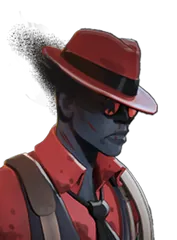
 Venator
 Seven
 Doorman
 Apollo
 Shiv










Second-screen App
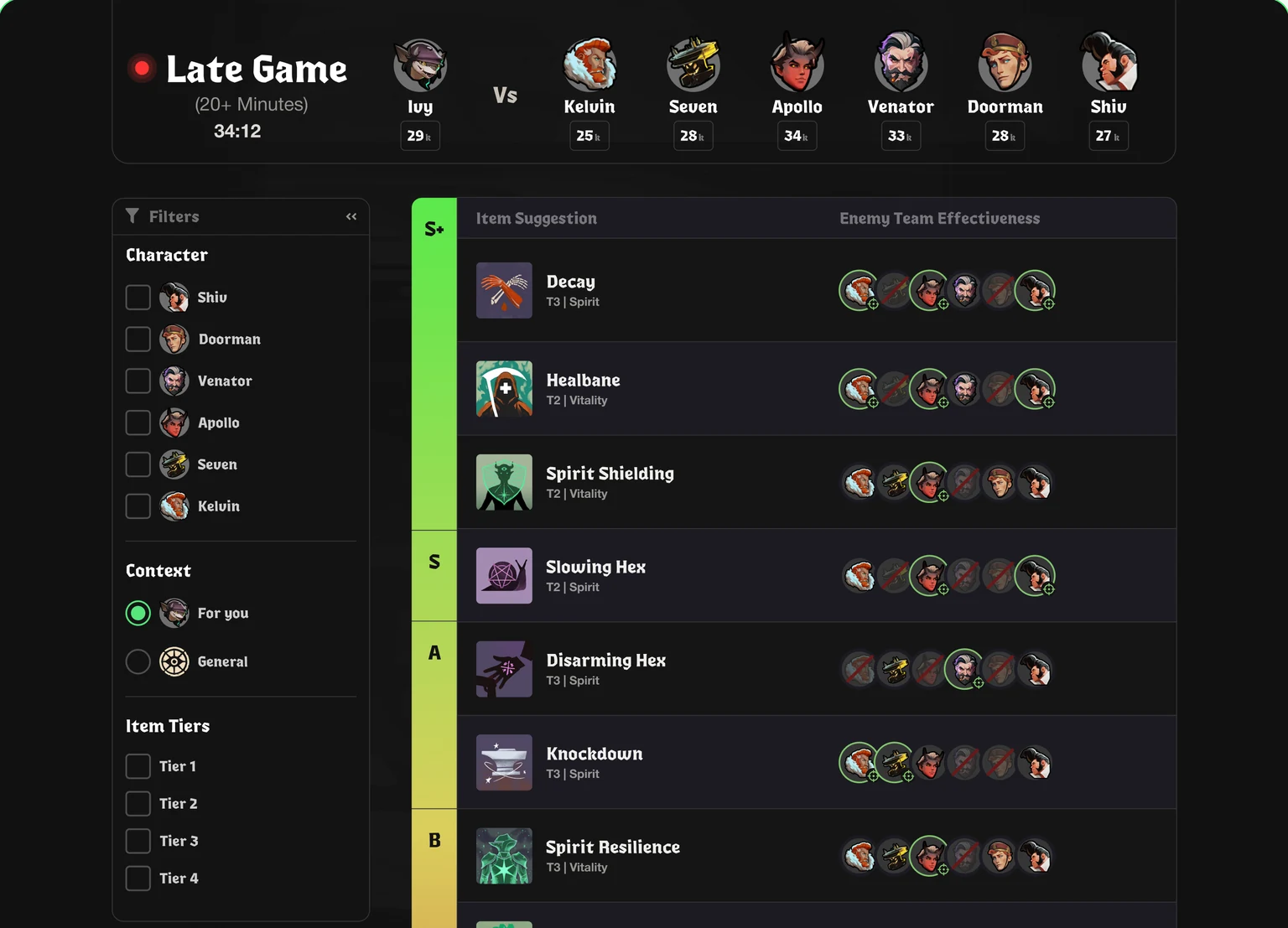
Live, detailed item information on your second screen.
Find the right Deadlock items for your live match with ItemDjinn, a free Deadlock item app powered by Eternus-level matchup knowledge.

Data curated and maintained by 10+ Eternus players, bringing expert advice to your every match.
 Find items that counter most of the enemies.Combine expert-curated matchup knowledge with live match context.Learn counter-item relationships as you play.Account for enemy strength, builds, and match stage.Find options against specific problematic enemies.Learn which items are bait in which situations.Recommendations suited to your hero and build.Item priorities change as the game progresses.Surface useful items you might overlook.
Live, detailed item information on your second screen.

Focus on specific enemies and counter options.

takes less resources than 1 chrome tab.

Launch the app and play back to back matches without touching it.

Overlay with all counter-item details needed directly in your shop.
Coming Soon
Get lane specific early items for your hero to help you win lane.
Coming SoonOur Deadlock counter item app scores items live using an advanced algorithm, not AI, and matchup data curated by 10+ Eternus players.
 What character
 Who’s fed / farmed
 Character threat
 Enemy Team Coverage
 Time of the match and
 Which team is ahead
ItemDjinn, also written Item Djinn, is a free Deadlock counter-item app for Windows and Linux. It helps you choose what to buy based on your hero, build, and the enemies in your live match.
Download the latest version for Windows or Linux, install it, and open ItemDjinn before your next Deadlock match. The app detects matches automatically. Choose your download.
No. ItemDjinn runs as a standalone desktop app. You do not need Overwolf or any other mods.
No. You can switch between Deadlock and ItemDjinn on one screen. A second monitor lets you keep recommendations visible while you play.
Join the ItemDjinn Discord for setup help, troubleshooting, or to report a problem.
Data curated and maintained by 10+ Eternus players, bringing expert advice to your every match.